

1
Sign up
Head over to Helium Id and sign in
to your account. If you don’t have an existing account, we’ll create one for
you.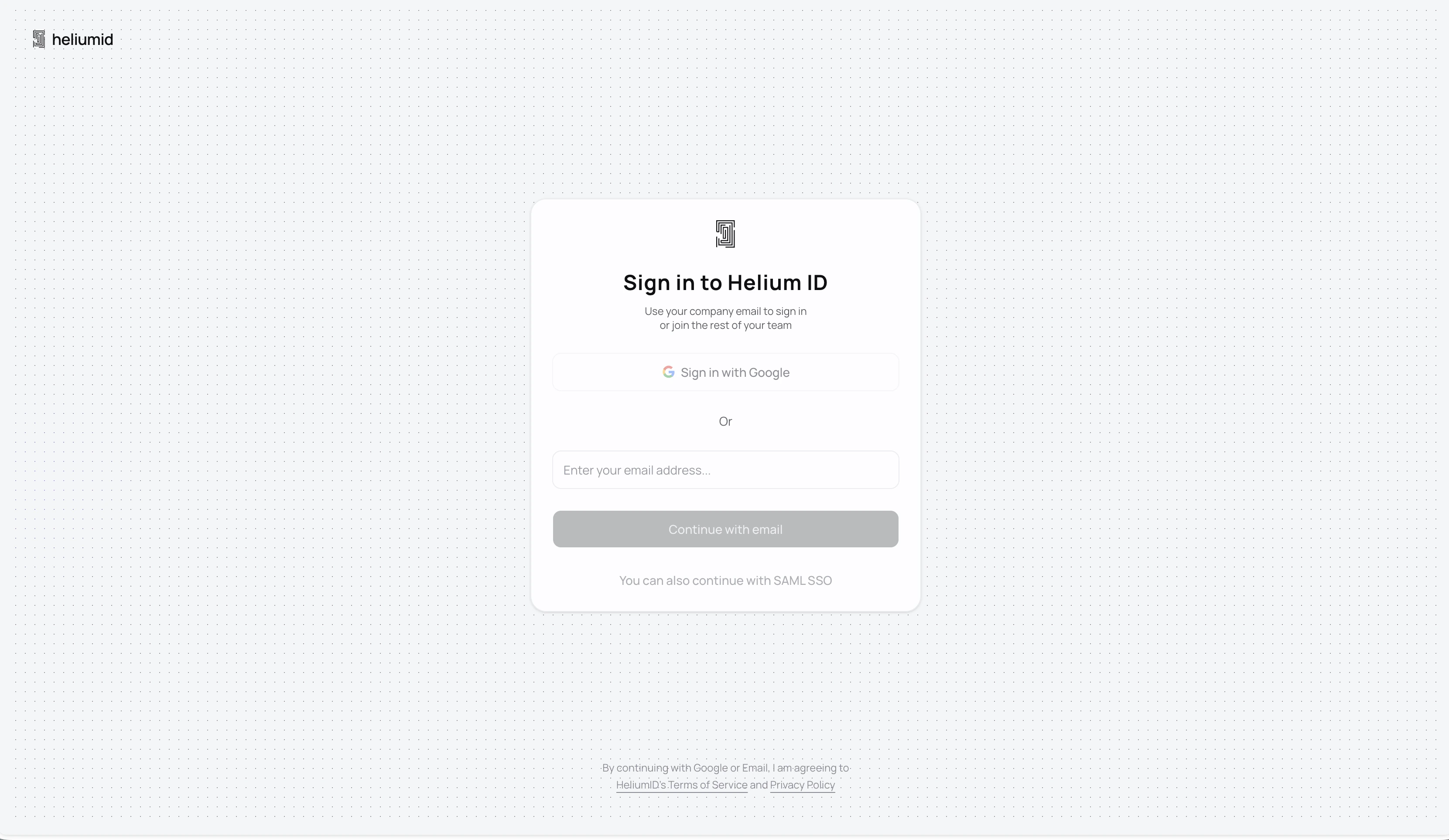
2
Set up an api key
Once logged in, go to the Developers
page and create an API key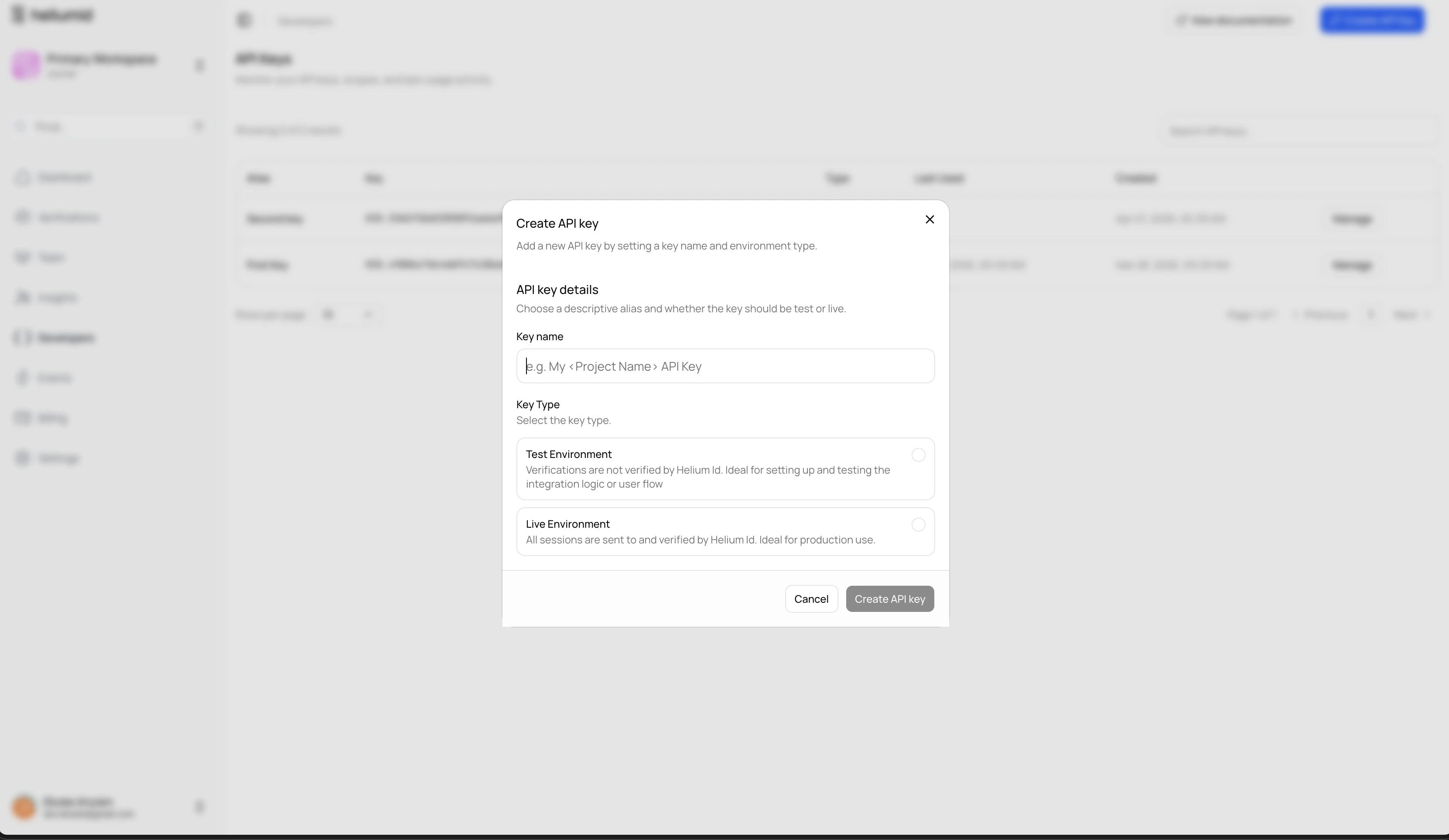

3
Implement SDK or API
Decide if you want to use a client-side SDK to pass end-user data, or do it
securely via our API — and implement the solution.
4
Generate a verification session
Create a new verification session for your end-user.
5
Receive verified data
If you’ve set up webhooks on your developer API key, you’ll receive the
webhook with the session result and verified data.
6
Review the session
If needed, manually review the session in the Customer Portal.
Quick Introductions
This documentation will give you quick intros into the most important concepts and tools:Customer Portal
Learn how to sign up, log in, and manage your account.
Integrations
Create, find, and test different integration methods.
Verification Sessions
Learn how to create sessions and understand verification decisions.
SDKs
Use our SDKs to easily pass end-user data.
API Reference
Explore our Public API collection and make API calls directly.
Webhooks
Set up and receive webhooks for session results.
Additional Resources
Try our demos
See Helium Id in action with our interactive demos.
Browser Support
Check which browsers and platforms we support.